 Lantern
For iPhone, iPad and Mac
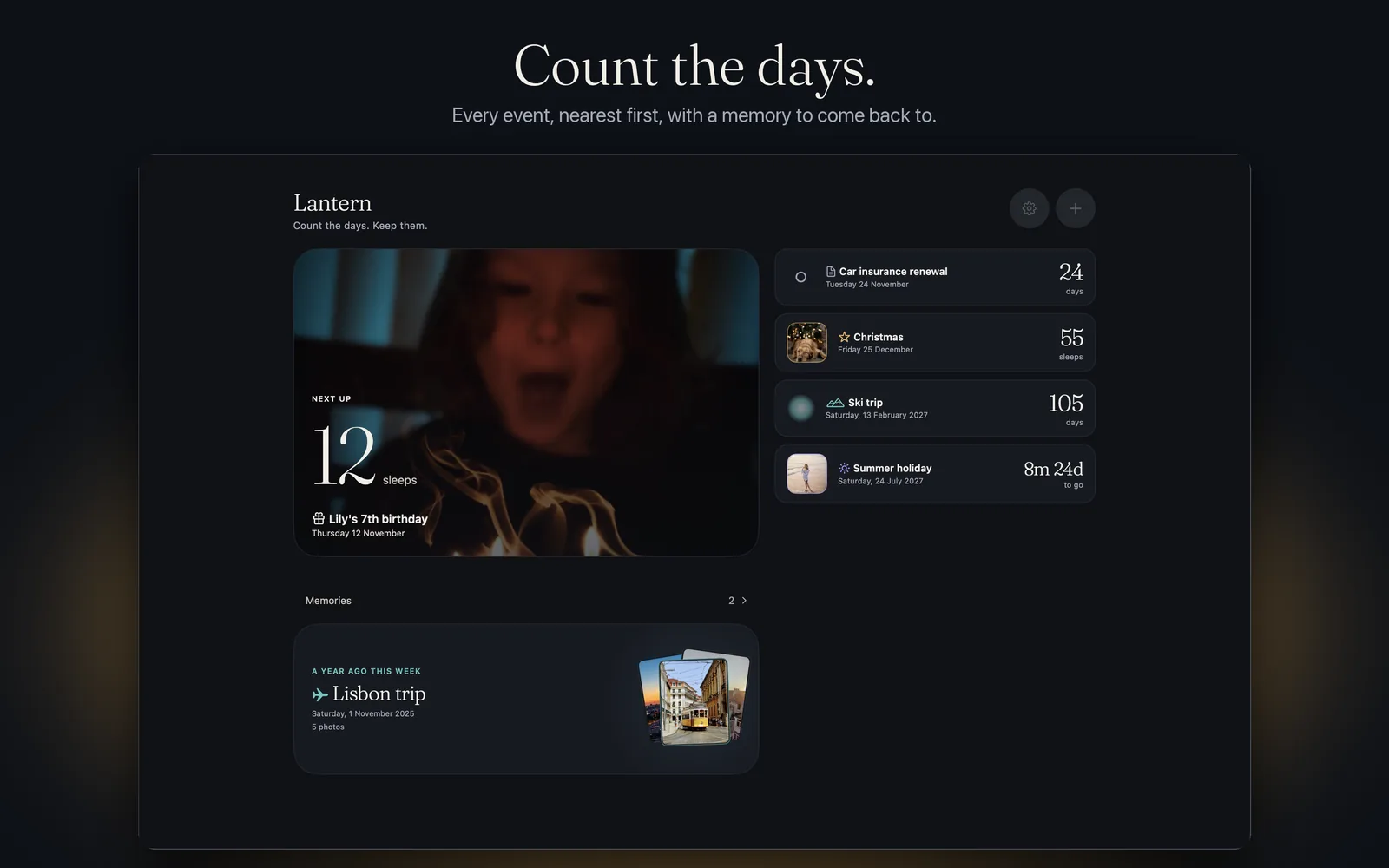
Count the days.
Keep them.
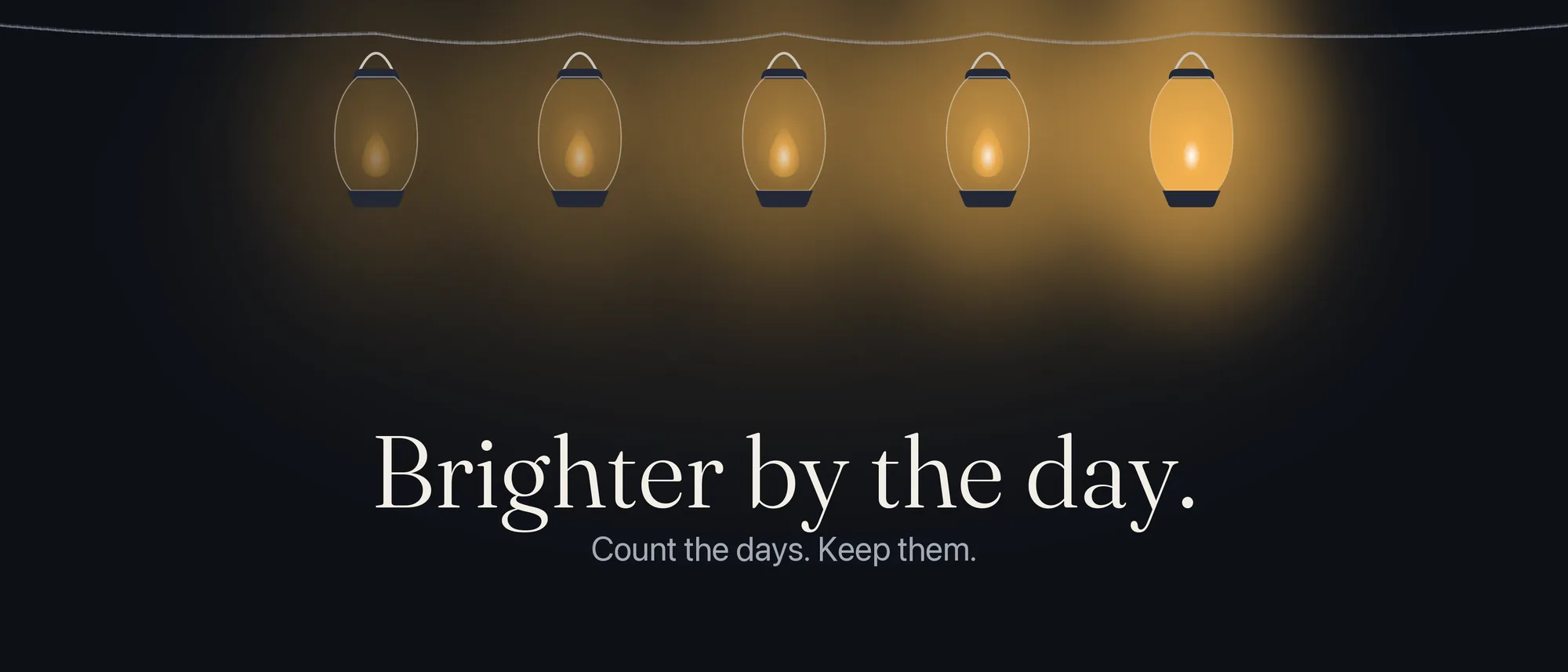
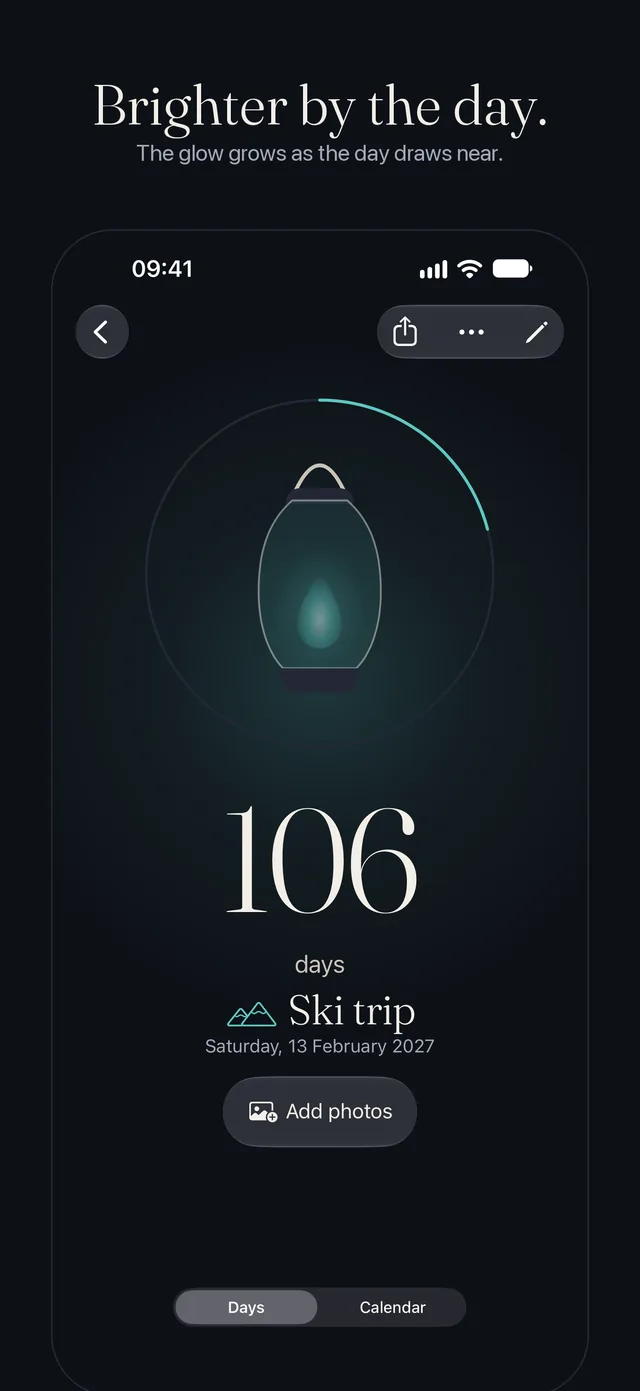
Lantern counts down to the days that matter, and does it beautifully. Each event is a lantern that glows brighter as its day gets near.
Brighter by the day.


Coming soon to the App Store
One price, once. No subscription, no ads, no tracking.
Everywhere you are
Add it on one. It's on them all.
Your events and photos sync across your iPhone, iPad and Mac through your own iCloud. There are no accounts to make and no servers of ours in the middle. One purchase covers all three.
- iPhone, iPad and Mac, from one purchase
- Stays in your iCloud. We can't see it
- Widgets on the Home Screen, in StandBy and on your Mac's desktop
Share the days
Count down together.
Invite family to an event and you all see the same countdown and photos. Anyone you invite can add to it, or you can share it view-only. For people without the app, send the moment as a card.
- One shared countdown, one set of photos
- Edit together, or share view-only
- Leave a shared event whenever you like
Anyone you invite needs Lantern too.
Memories that stay lit
When the day passes, keep it.
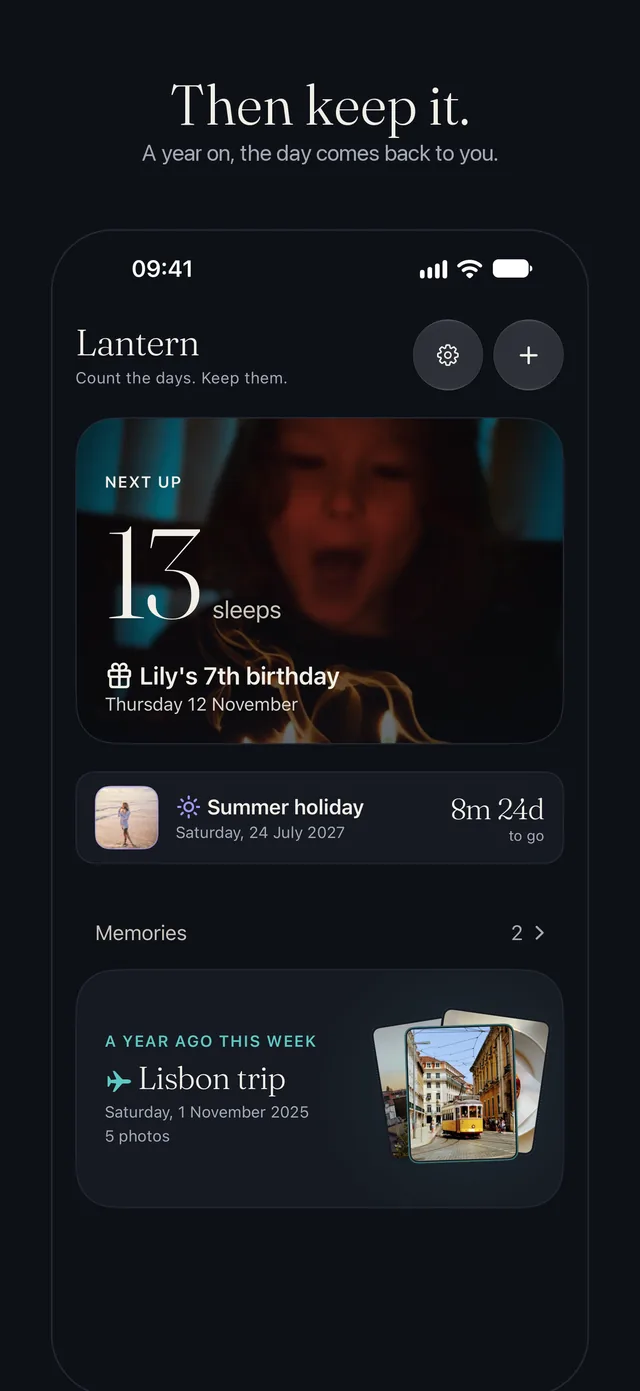
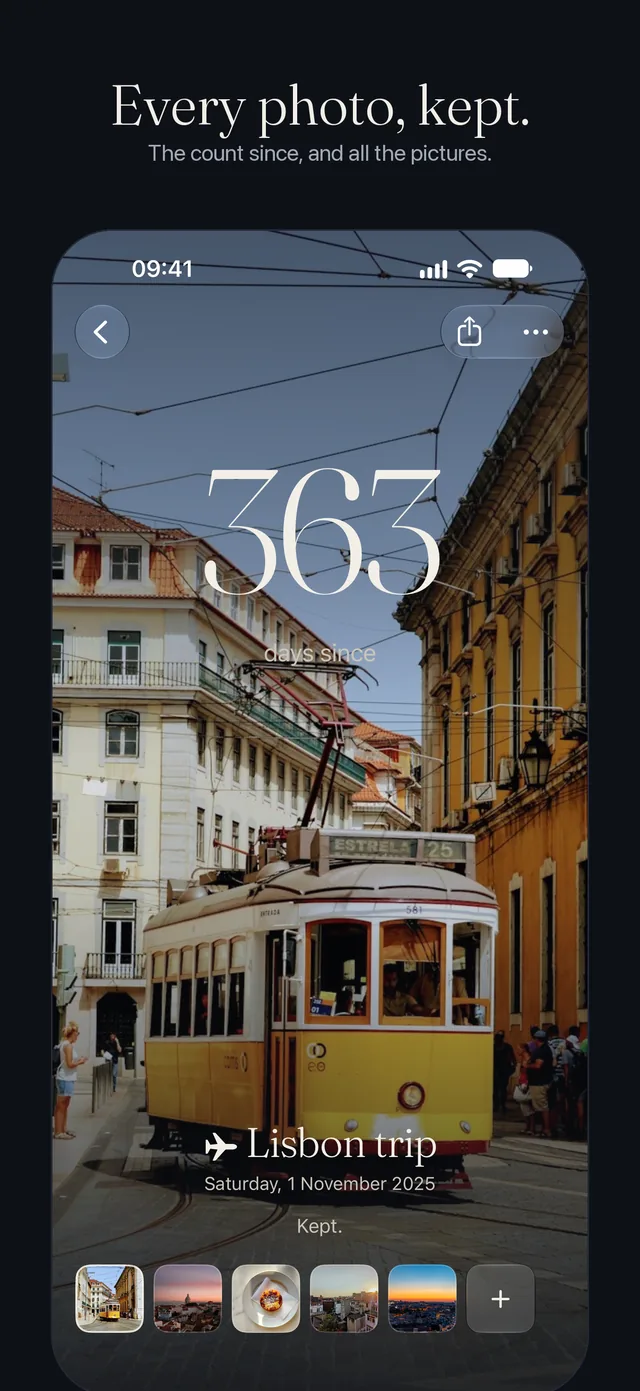
An event moves to Memories, still glowing, and counts up: "3 years since". Keep up to 50 photos with it. Each day, one memory comes back to you on Home: "A year ago this week".
- Up to 50 photos with every event
- Counts up from the day, or repeats every year
- One memory returns each day
Made with care
A countdown that feels right for the day.
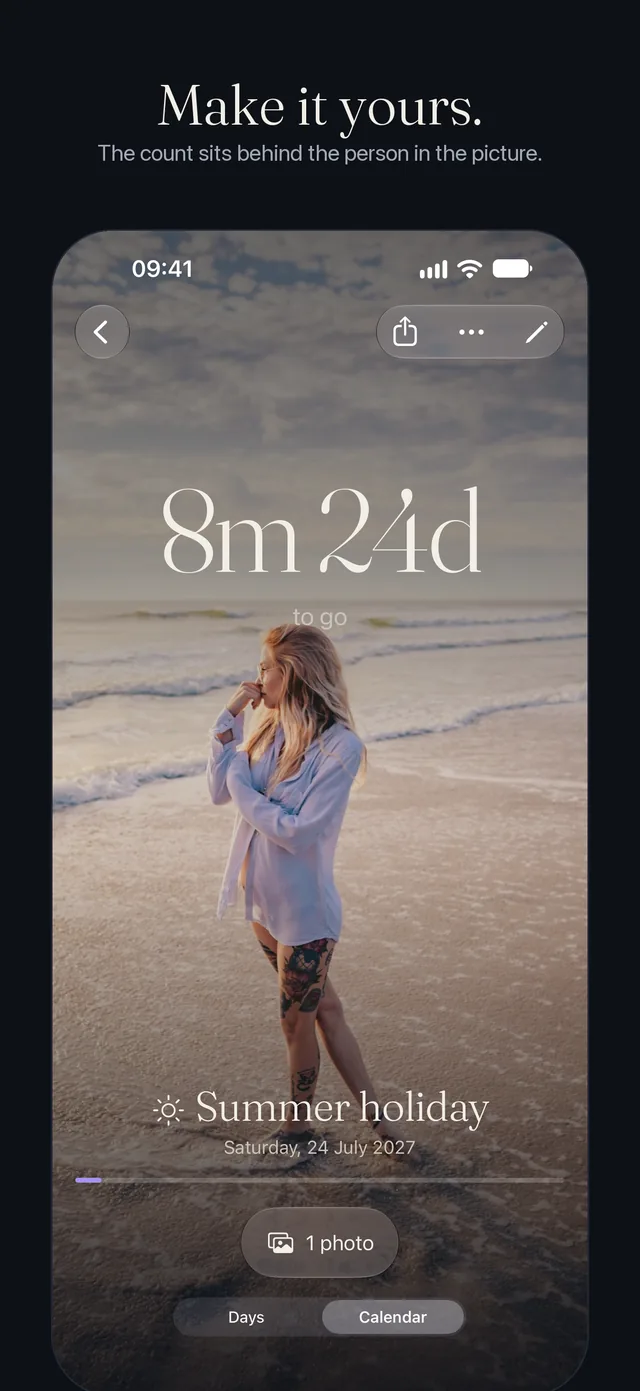
Photos become the event
Add a photo and the count sits behind the person in the picture, like your Lock Screen.
Days, sleeps or calendar
Choose for each event. The day changes at 4am, so a child still awake isn't told "Today!".
Dates, not moments
Your birthday is the 14th wherever you are in the world. Travel never moves it.
Widgets and Live Activities
Home Screen and Lock Screen widgets, and a Live Activity that starts itself in the final hours.
Ask Siri
"How many sleeps until Christmas in Lantern?" Works in Shortcuts and Spotlight too.
Quiet by design
Reminders only at the moments that count: 100 days, a month, a week, the night before, the day itself.
Deadlines stay calm
A passport or an insurance renewal burns steady. No glow, no fuss.
Start from your life
Begin an event from a birthday in Contacts or an event in Calendar.
Private by design
We know nothing about you.
Lantern has no accounts, no ads, no analytics and no tracking, and no servers of ours. Your events and photos stay on your devices and in your own iCloud. Read the privacy policy.
Questions
Good to know
What is the difference between days and sleeps?
They are the same number with a different label. Sleeps is how children count: one more sleep until Christmas. You choose for each event.
Does Lantern sync between my iPhone, iPad and Mac?
Yes. Your events and photos sync through your own iCloud account, so they appear on every device signed in to it. Lantern has no servers and cannot see them.
Can I share an event with my family?
Yes. Invite someone to an event and you both see the same countdown and photos. They need Lantern too. To share with someone who does not have the app, send the moment as a card.
Is there a subscription?
No. Lantern is one price, once, for iPhone, iPad and Mac. Every feature and every widget is included, with no ads and no in-app purchases.
What does Lantern know about me?
Nothing. There are no accounts, no analytics and no tracking, and no servers of ours. Your events stay on your devices and in your own iCloud.
More answers, and how to reach us, are on the support page.